
L2Sensus launches in Q1 2027, and you can get ready today. It takes about two minutes and it is free.
Step 1: Create your free account
Press Create Free Account on playsensus.com, or sign in with Google. Confirm your email and your dashboard opens. One account works for the website, the game and the Forum.
Step 2: Your pre-register gift
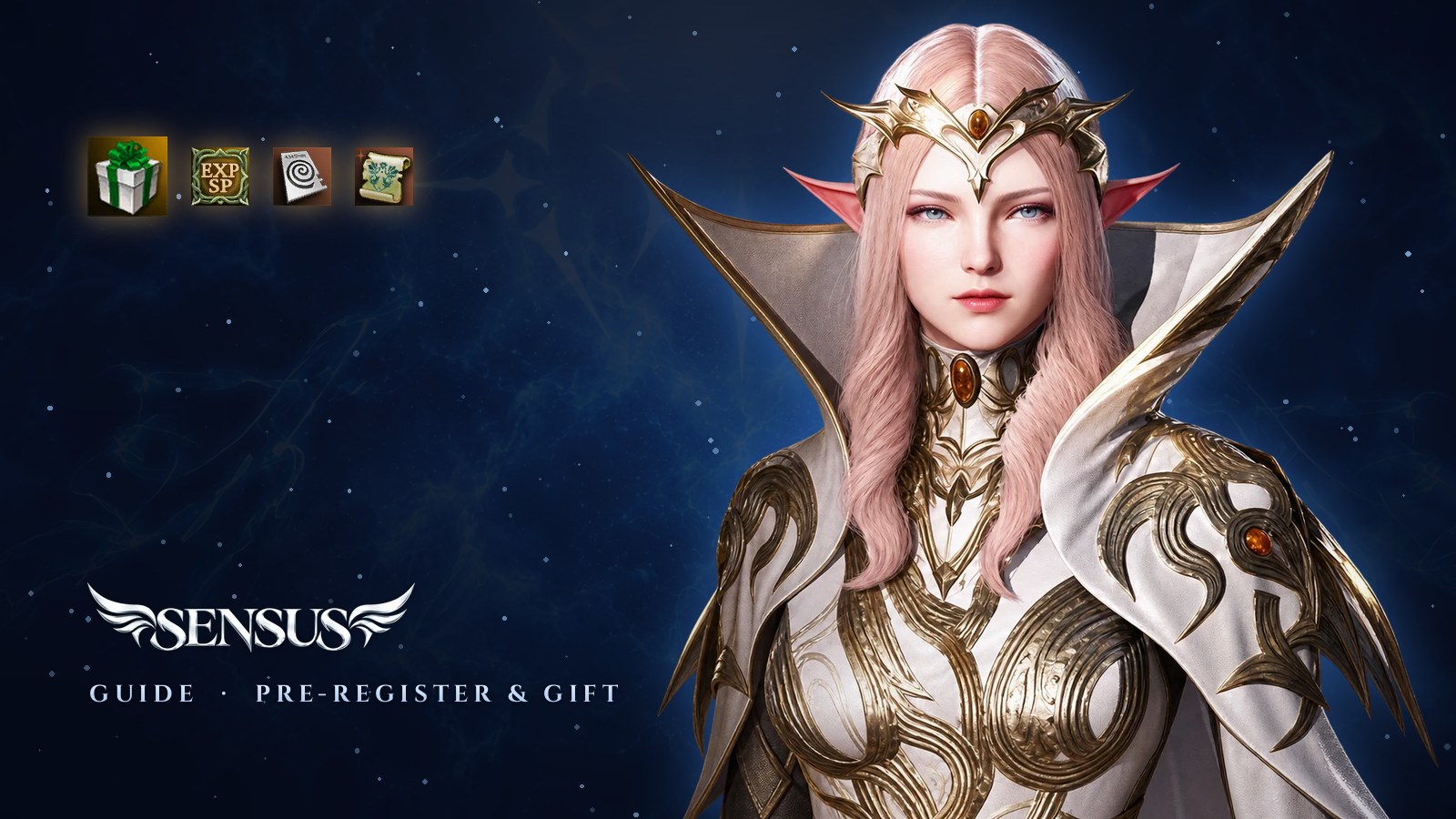
Every account created before launch gets the Pre-register Gift. It is saved in your account, and when the gates open you send it to any of your characters by in-game mail. Inside the box:
- Warrior Experience Amulet (7 days): XP and SP +50%
- 10 Soulshot Tickets, to exchange in the Sensus Shop
- 5 Battle Scrolls
The amulet's 7 days start only when you open the box, so nothing is wasted. The gift belongs to accounts created before launch: the newsletter alone does not include it.
Step 3: Game login and launcher
In your dashboard, open Game logins and create the login you will type in the launcher. Your website email does not work in the launcher, so keep this login safe. Then download the Sensus launcher: it installs the full client and keeps it up to date. You do not need an old Interlude, High Five or Classic folder.
Keep your account safe
Turn on two-factor authentication (2FA) in your dashboard. It is optional for playing, but you need it to change a game login password, and it keeps your characters and Libra Coins safe.
That is all. When the Open Beta and launch dates are set, you will find them in the News and in your inbox.
See you on launch day.